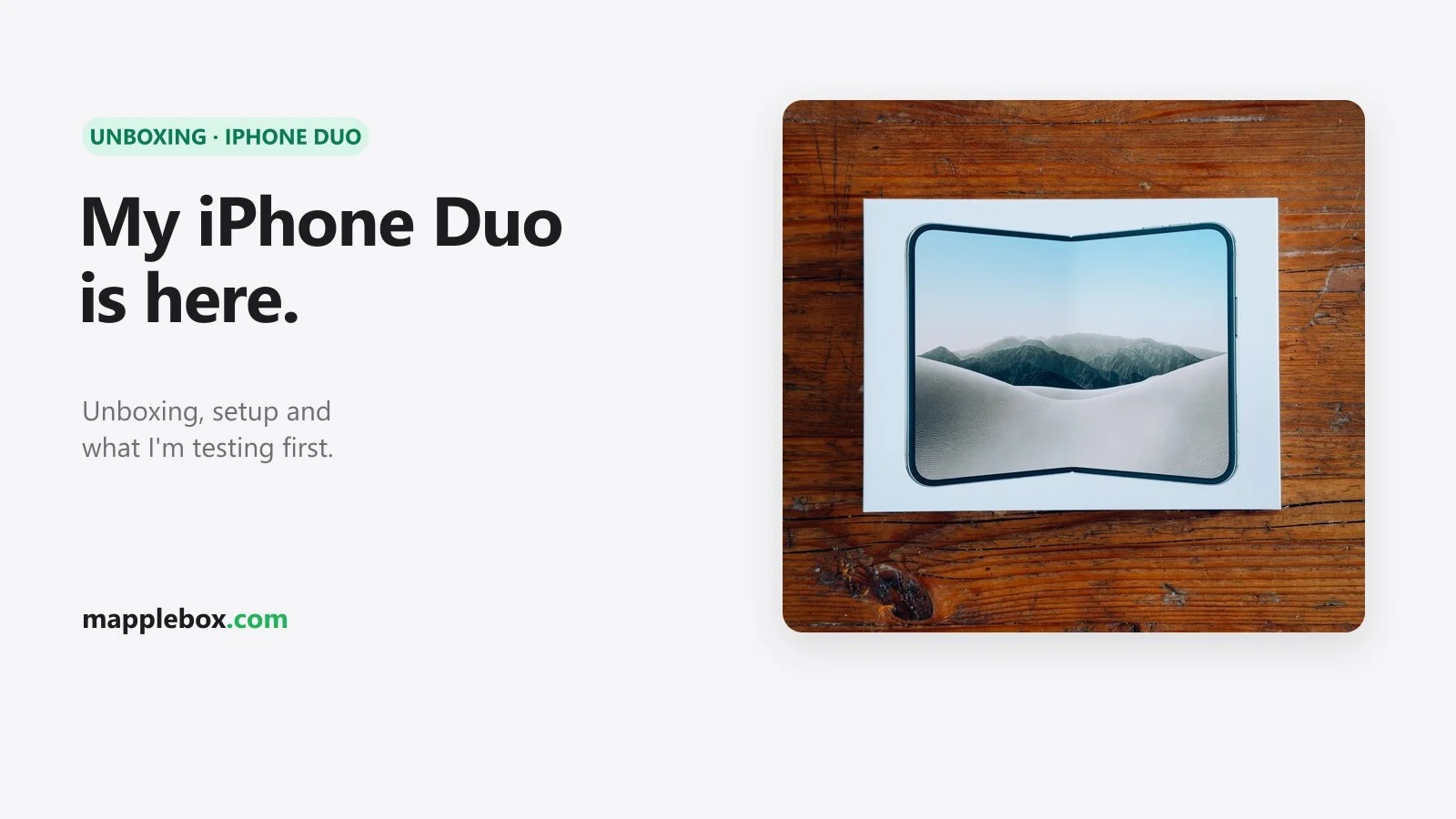
Unboxing and my first day with the iPhone Duo
The iPhone Duo went on sale today, and mine (1 TB, Star White) is here. I’m coming from the iPhone 17 Pro Max. Below are my unboxing photos, what went wrong during setup and how the Duo feels after day one: what I like and what bugs me. A real verdict comes once I’ve spent more time with it. All the specs and the comparison with the iPhone 18 Pro Max are in my iPhone Duo specs guide.
Quick explainer
- Foldable: a smartphone with a folding display. Closed, the Duo is a 5.4-inch iPhone. Open, it’s a small 7.6-inch tablet.
- Quick Start: Apple’s way of moving from your old iPhone to a new one. You put them side by side and the new one takes over your apps and data.
- VPN profile: a setting that sends your internet traffic through an app like Tailscale. If the app is missing, the traffic goes nowhere.
- eSIM: a SIM card that only exists digitally inside the phone. The Duo has no slot for a physical SIM card.
Unboxing

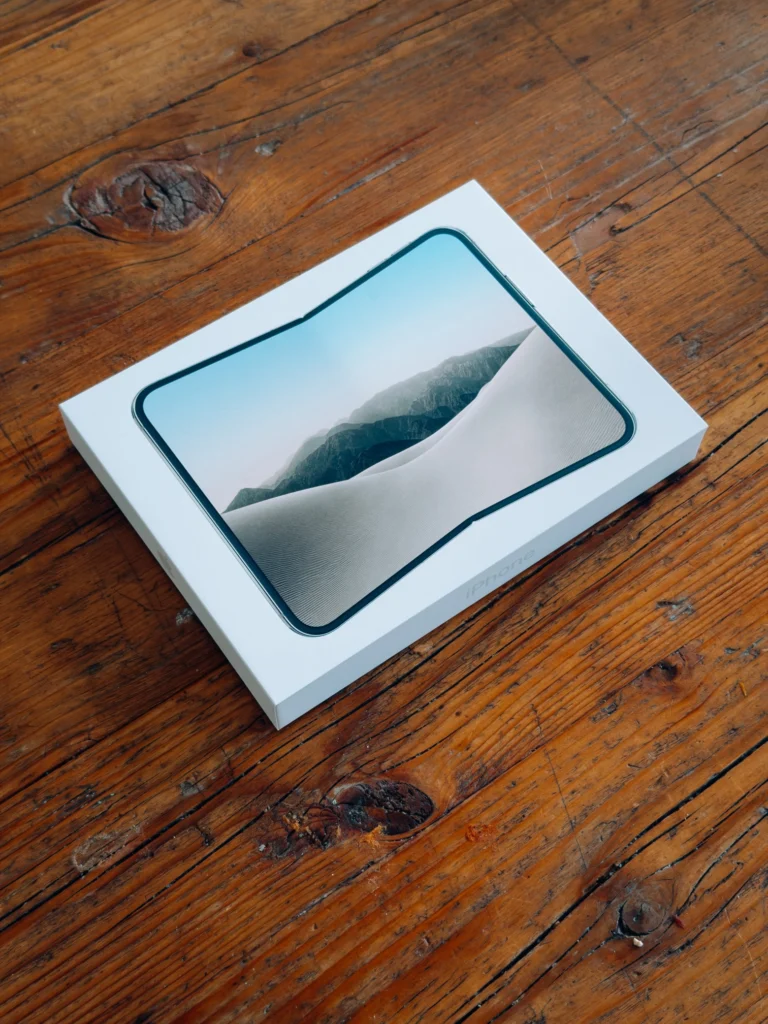
The box is flat. The lid shows the Duo unfolded, with the fold in the middle and a dune landscape behind it.
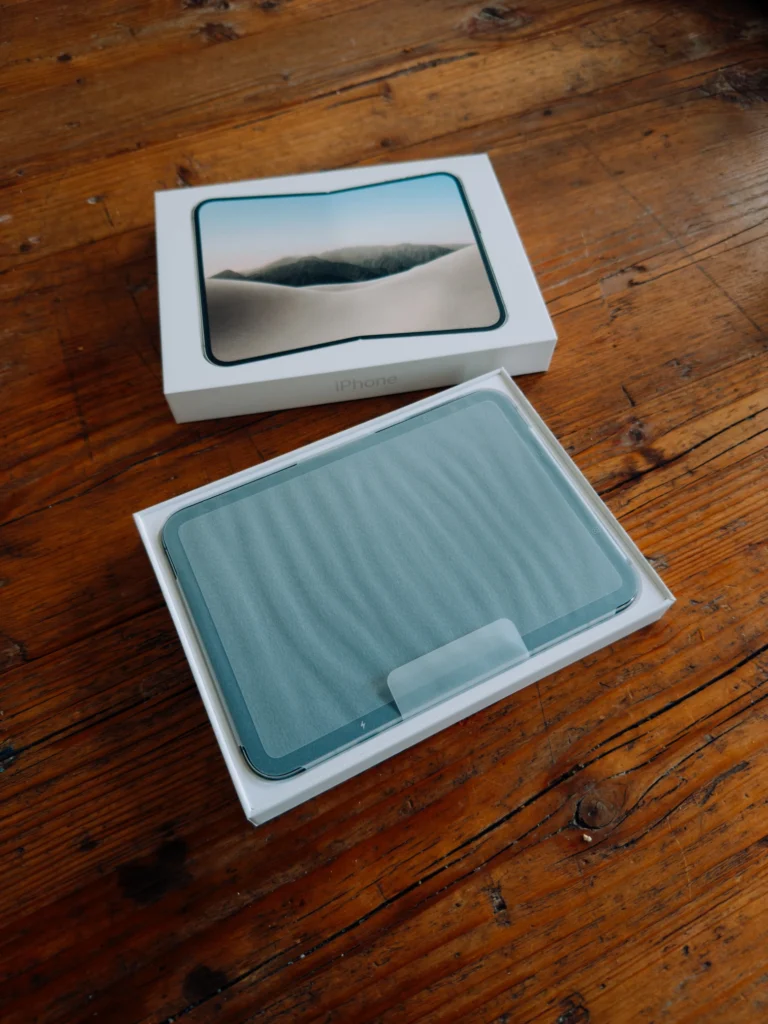
Under the lid, the Duo lies unfolded in the box, wrapped in a protective film with a small pull tab.
Setup: not smooth
Quick Start got stuck on “Waiting for backup to complete” for over an hour, even though the backup had already finished. It only worked after I made a new backup and restarted the setup.
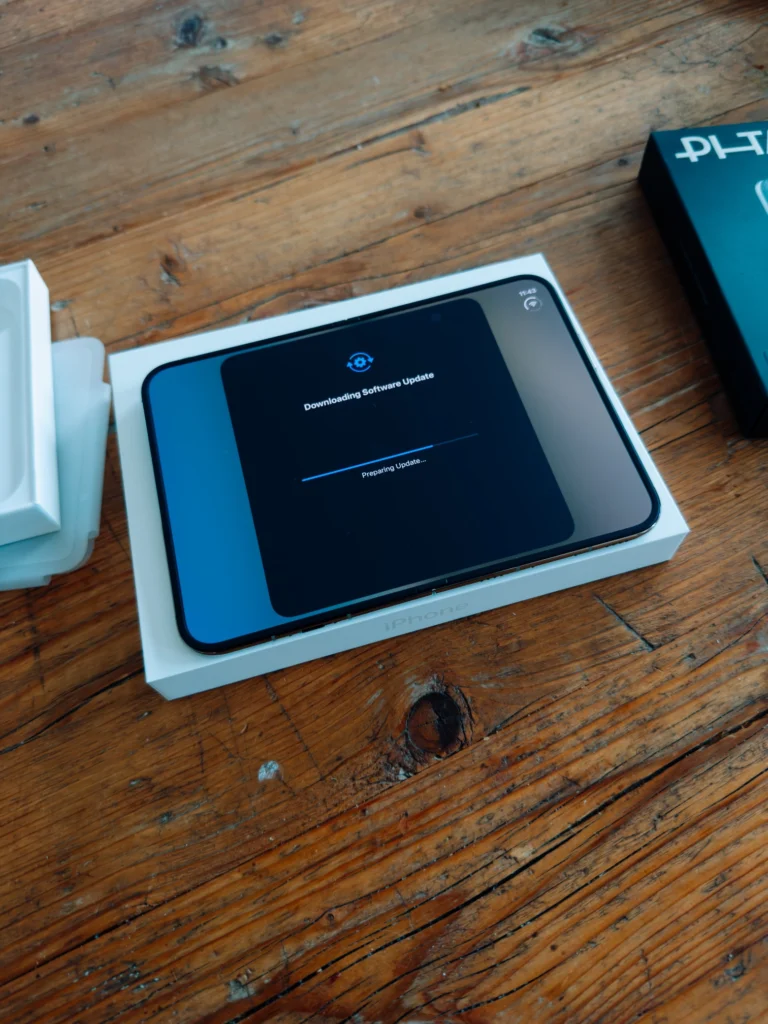
The Duo also downloaded a software update while it was still setting up. So a new iPhone isn’t automatically up to date on launch day.
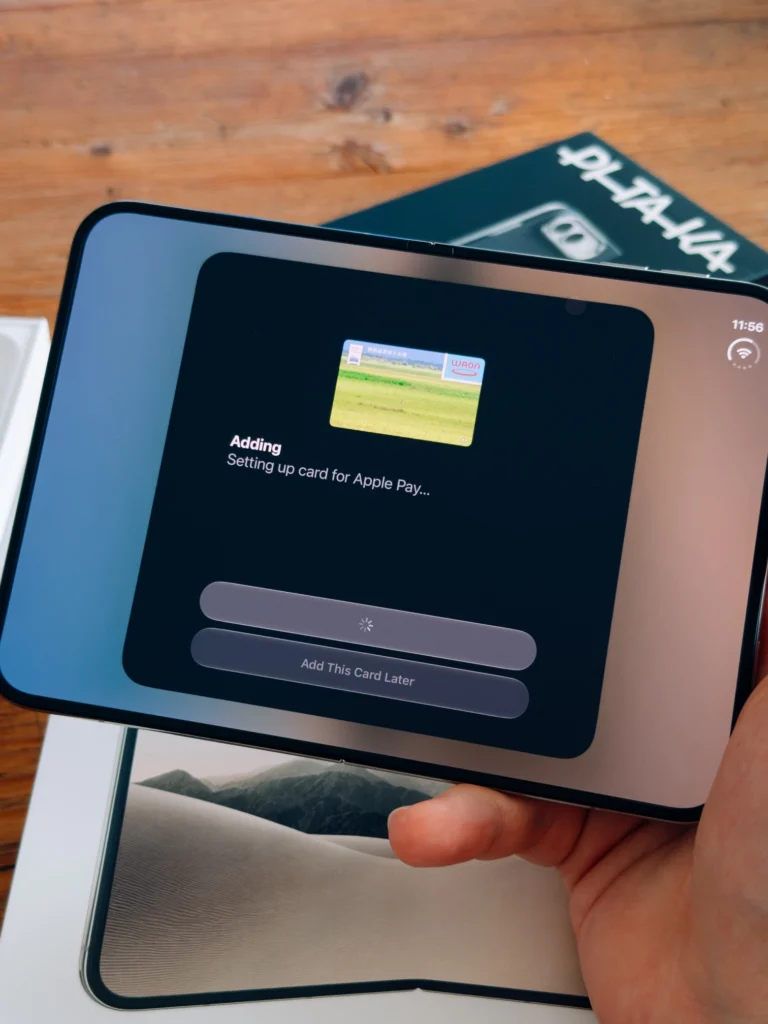
You can add your cards to Apple Pay right in setup or push it to later.
After the restore, half my apps claimed I was offline. The culprit: my Tailscale VPN profile came over and stayed active, but the Tailscale app itself wasn’t installed yet, so all traffic was routed into nothing. Easy fix once I found it, but it’s the kind of thing that will confuse a lot of people. If your apps are offline after moving, check Settings → VPN for an active profile whose app is missing.
My Duo after day one
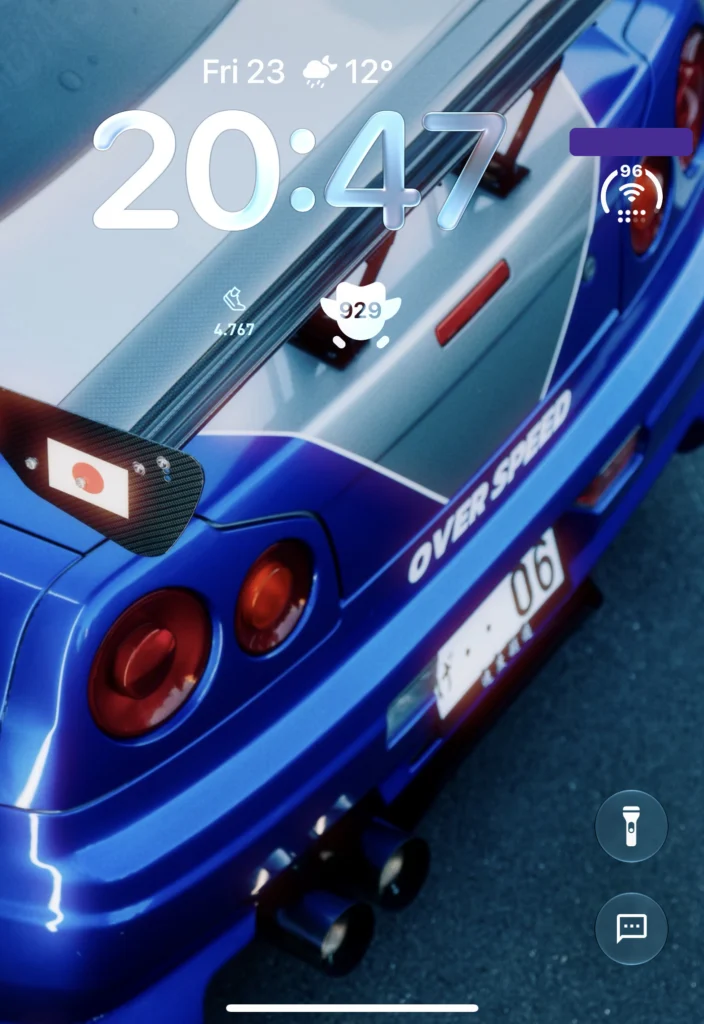
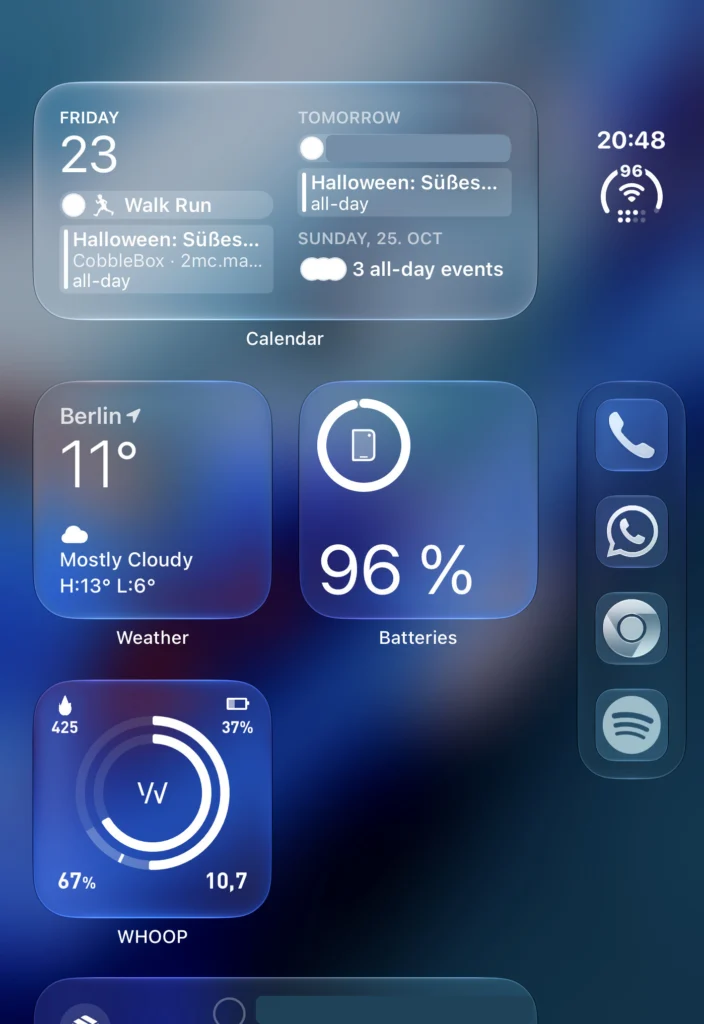
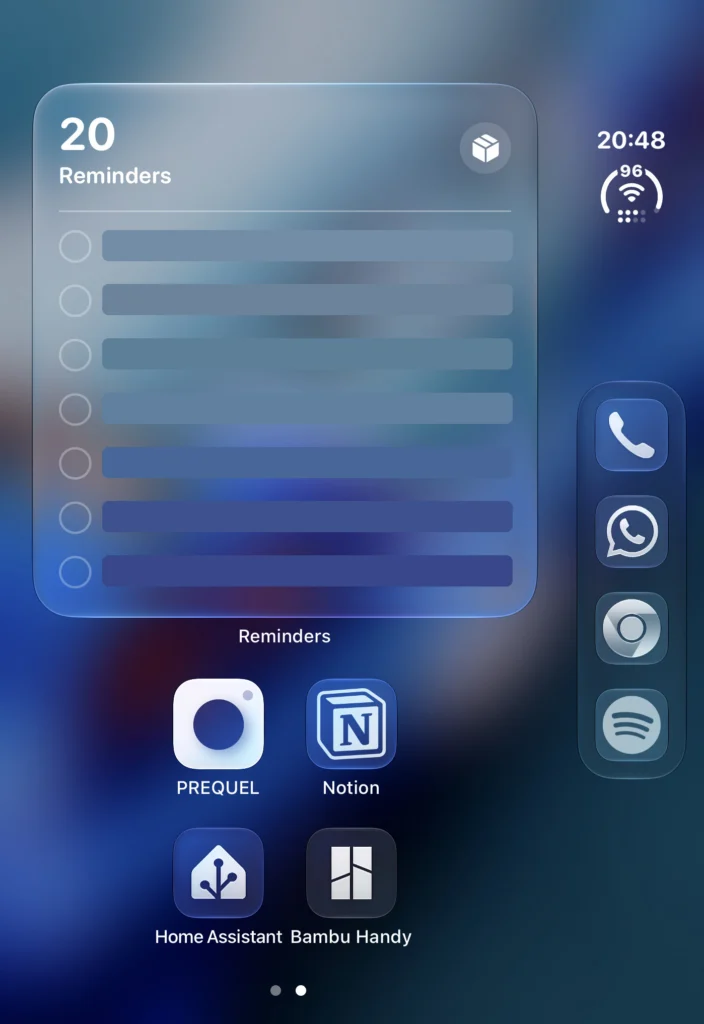
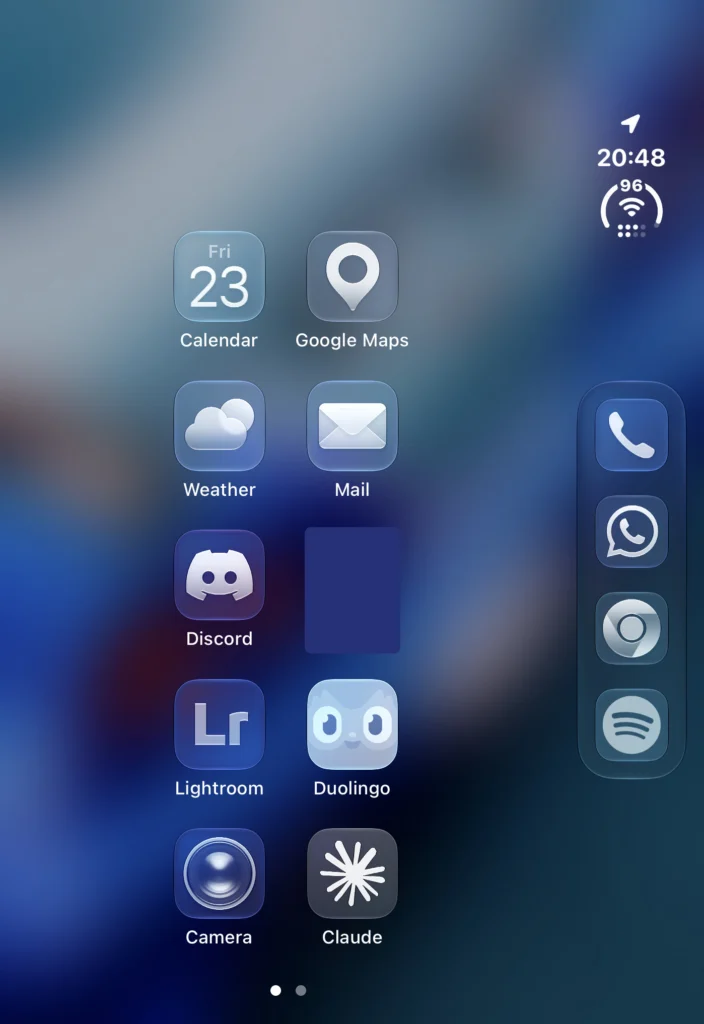
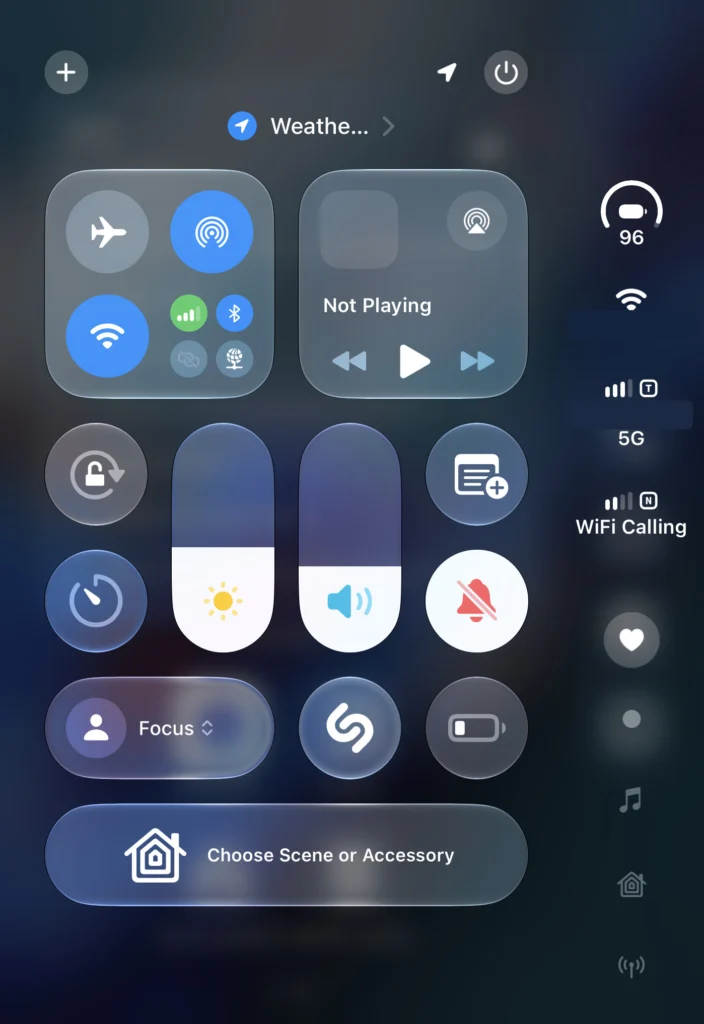
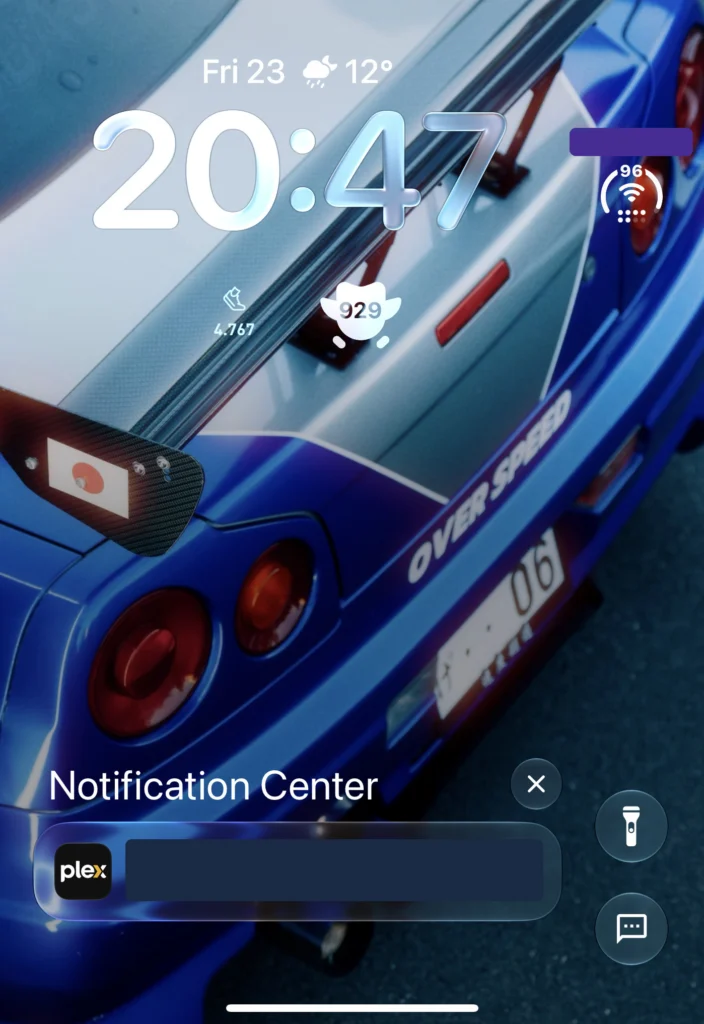
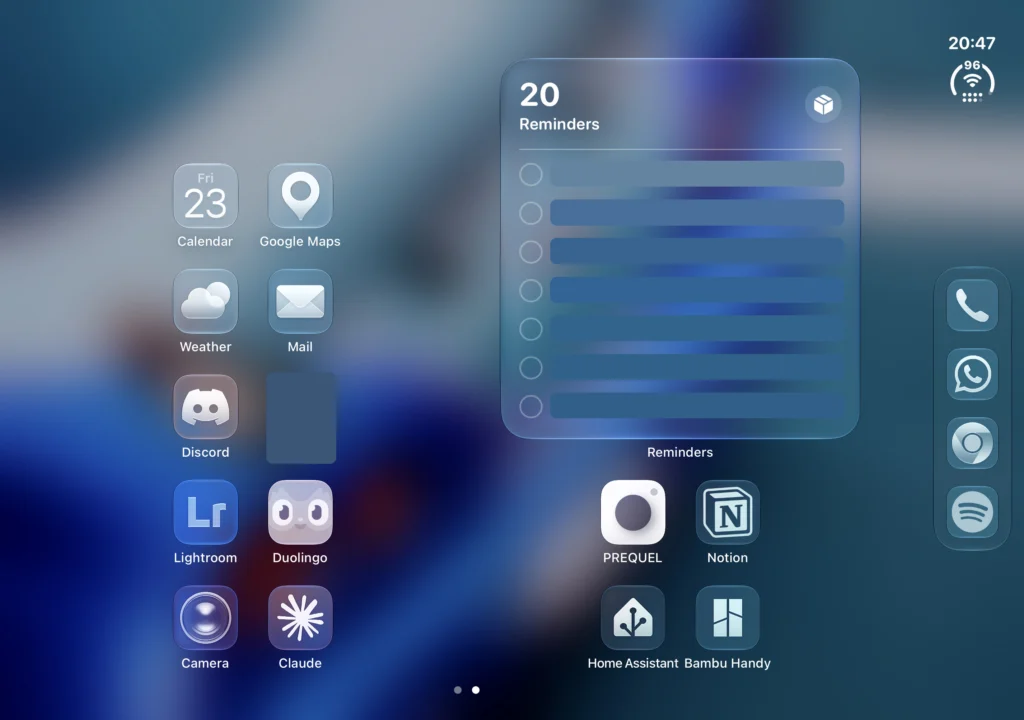
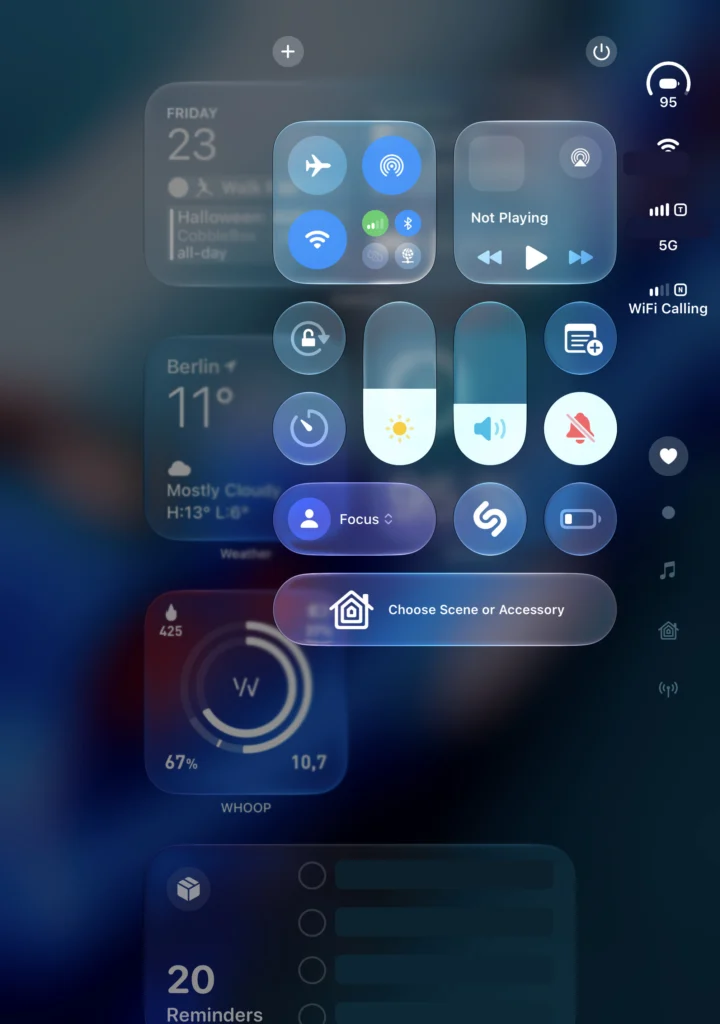
Closed, I use the outer screen like any normal iPhone. Open, the same widgets and apps fit side by side:
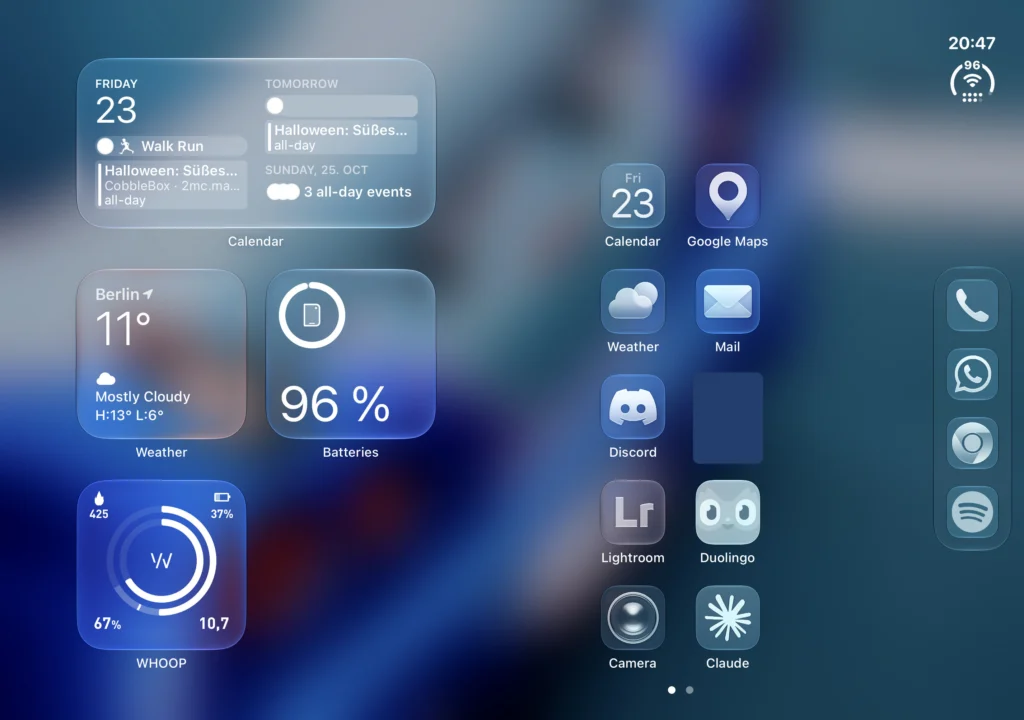
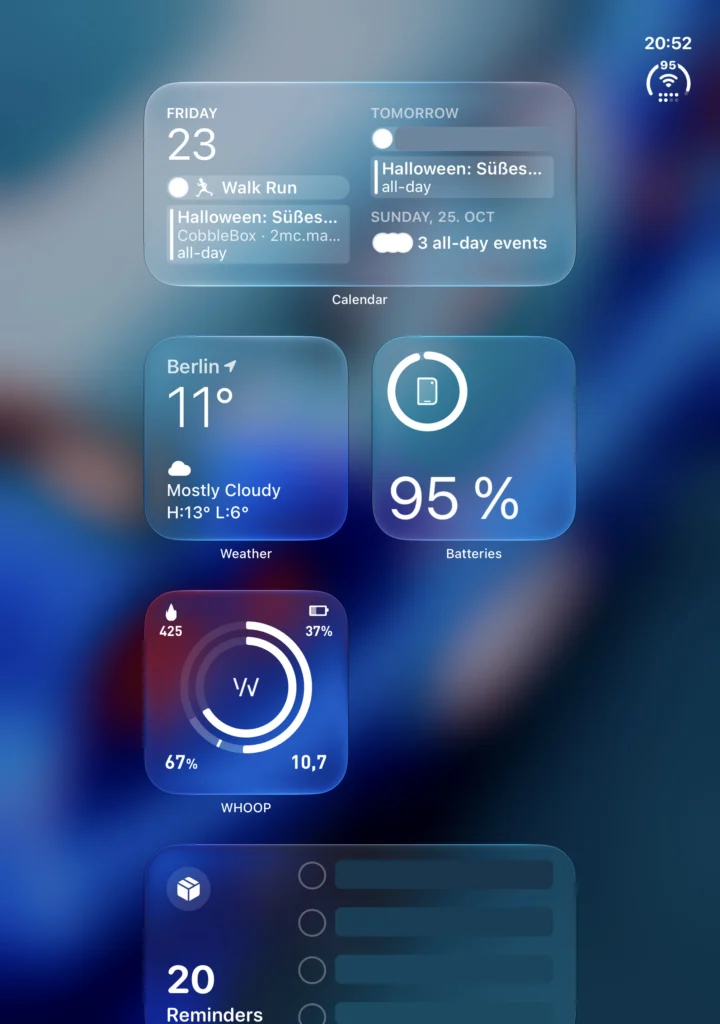
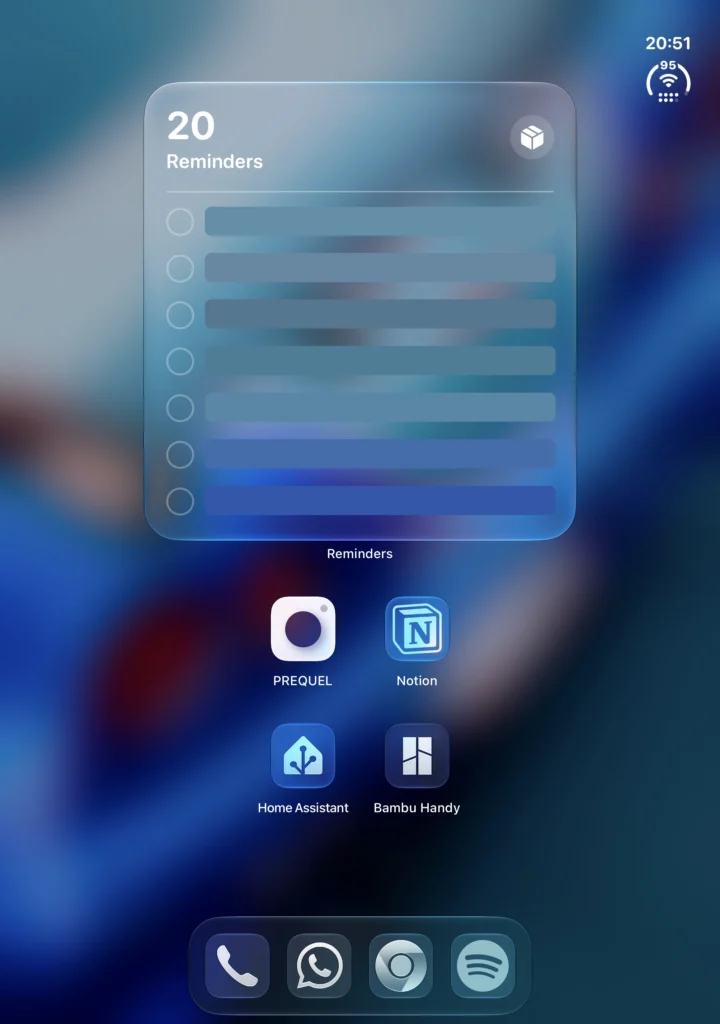
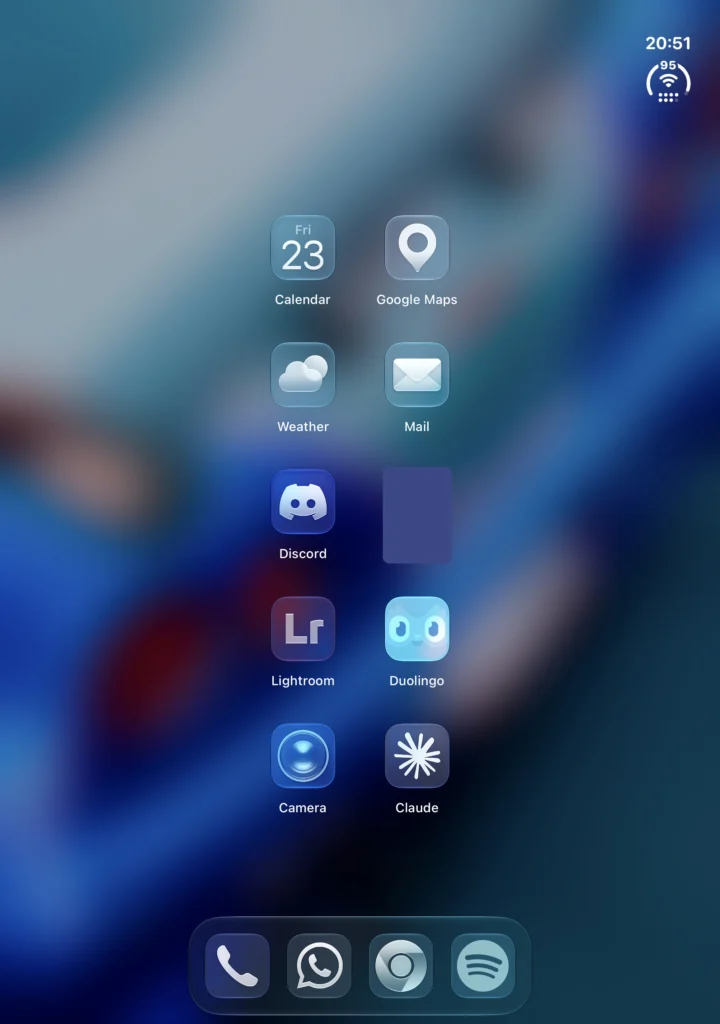
Open, you can also hold the Duo upright. Then the home screen looks more like a small iPad:
Daily use: mostly closed
So far I keep the Duo closed most of the time and just use the outer screen. It’s genuinely usable as a normal phone, which I didn’t fully expect.
Display: you barely see the crease
The crease is basically invisible. I could only spot it under really bright light. On top of that, apps seem to be laid out so your fingers rarely land on the crease anyway.
The matte inner screen is a highlight. It reminds me of the nano-texture glass on my MacBook Pro 14 with M5 Max, and it’s really nice for reading. That’s mostly what I’ve used it for so far.
Typing: split keyboard when open
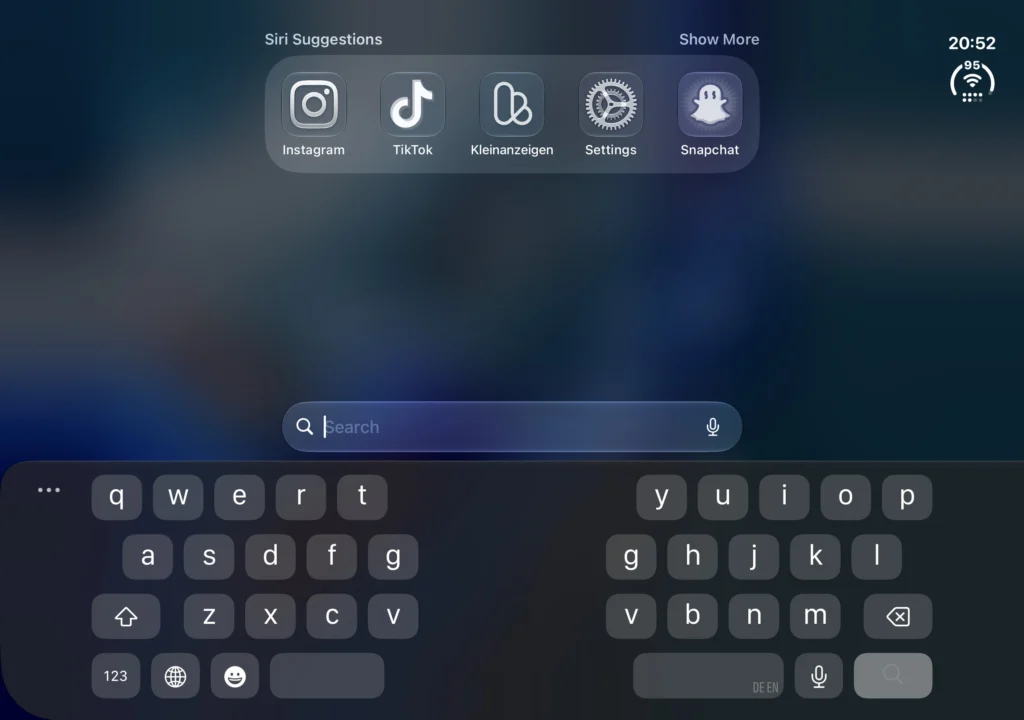
Typing closed feels really great. Fully opened, the full-width keyboard feels a bit off.
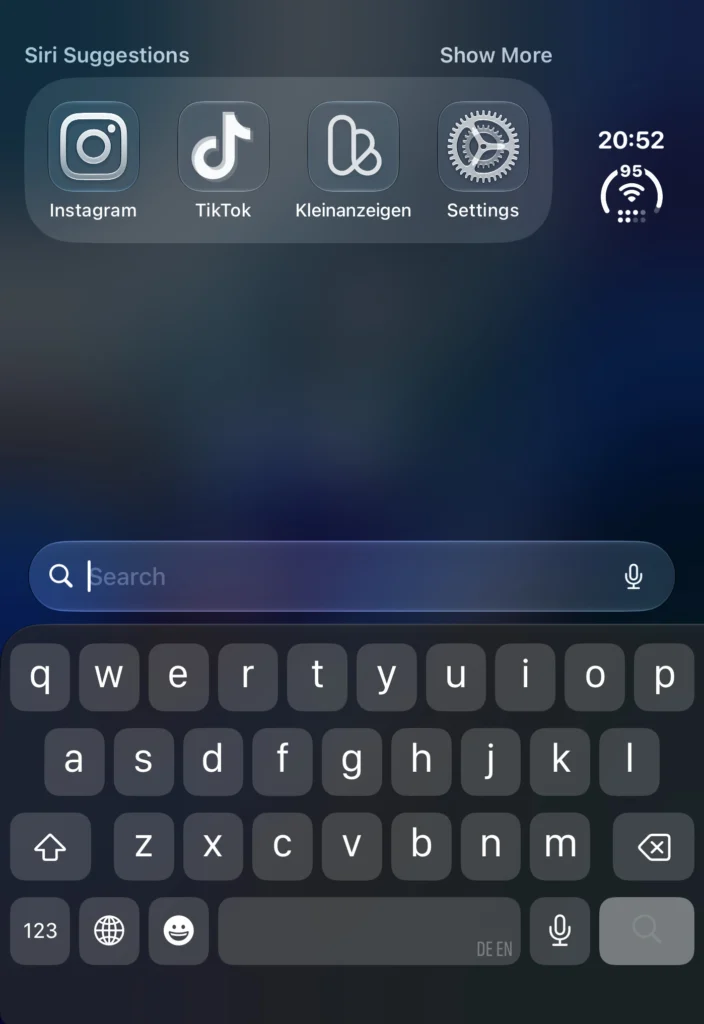
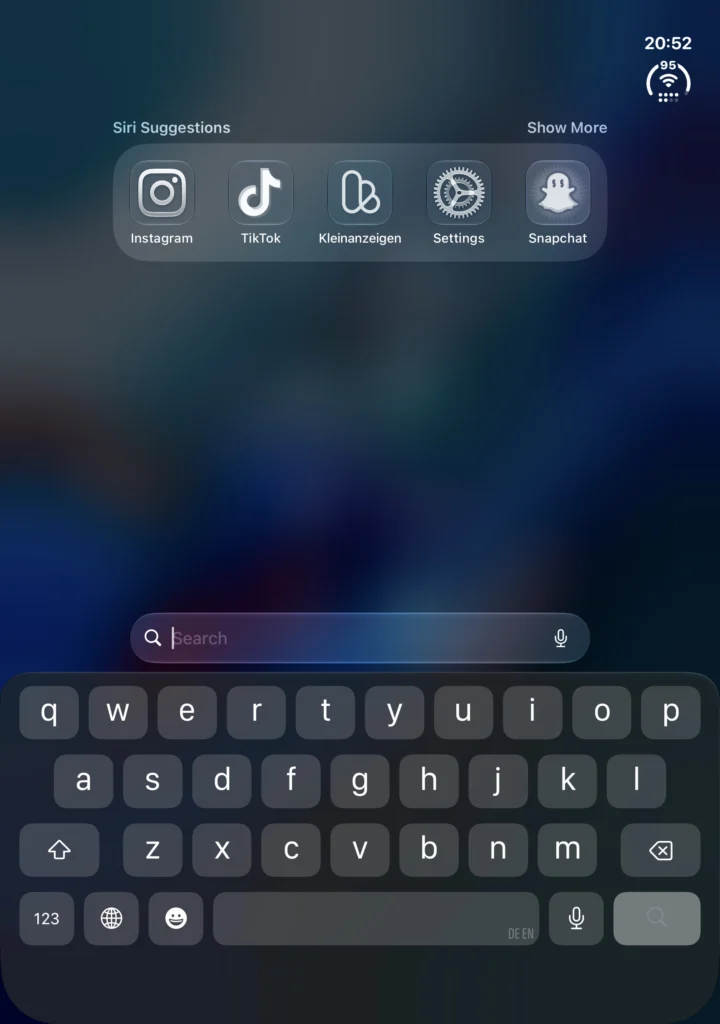
Switching to the split keyboard fixed that for me, and I think it’s pretty awesome:
Multitasking
I haven’t used split apps much yet. I expect that to become more of a thing over time.
Camera: my biggest gripe
There’s no ProRAW on a roughly 3,000 euro device, and I already miss the better cameras of the 17 Pro Max. The silver lining: because the phone camera is weaker, I feel the need to bring my real camera on normal days. So I’ll probably end up carrying it more often.
Apple Pencil: USB-C only, no Pencil Pro
The Duo only supports the USB-C Apple Pencil, not the Pencil Pro. I own three Pencils and all of them are Pros, including the one I bought for my iPad mini 7, so none of them work. Apple’s top Pencil doesn’t work with Apple’s most expensive iPhone. And even the USB-C Pencil only works on the Duo with the latest iOS beta so far.
MagSafe accessories overhang
MagSafe accessories overhang the closed Duo. My Anker power bank is uncomfortable to the point of being unusable. The Plaud Pro is just a bit too long but still kind of works.
My case: PITAKA Edge
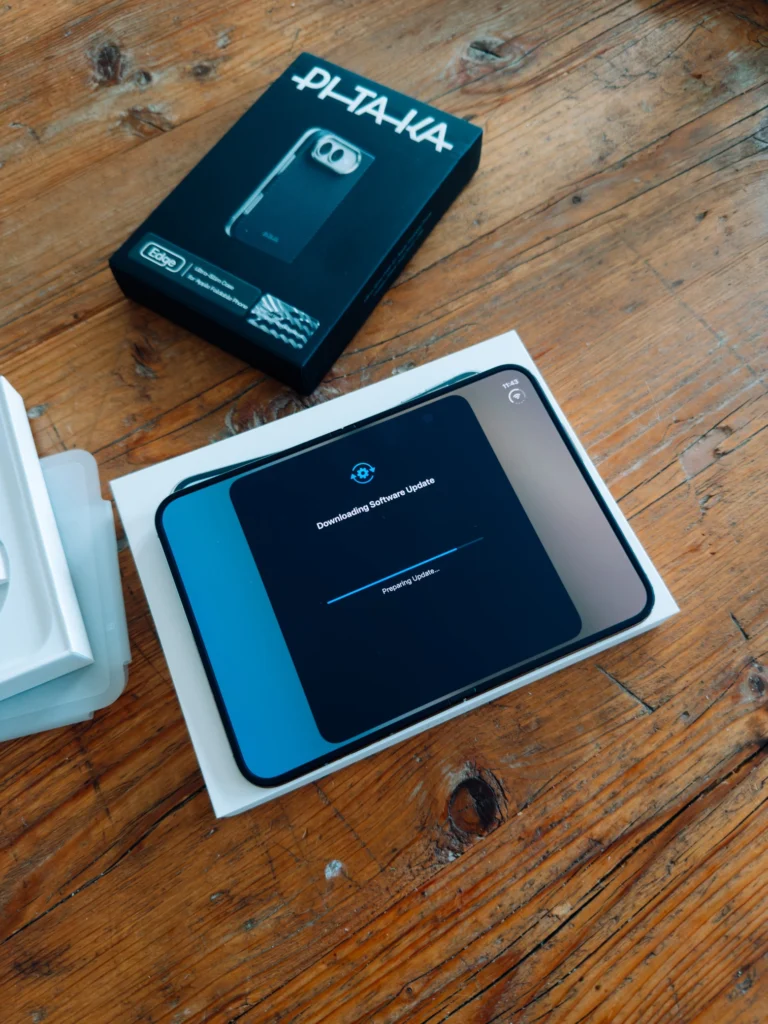
I bought the case myself before launch, this isn’t a sponsorship. It’s the PITAKA Edge, an ultra-slim case for Apple’s foldable according to the box. You can find it here on Amazon*, for example. How it holds up day to day, I’ll write up once it’s been on for a few days.
If yours is arriving too
- Quick Start stuck on the backup? Don’t wait forever: make a new backup and restart the setup. That was the only thing that worked for me, after over an hour of waiting.
- Apps offline after moving? Check Settings → VPN for an active profile whose app is still missing. Install the app or turn the VPN off.
- Sort out the eSIM first: The Duo is eSIM only. Check that your carrier supports transferring it from your old iPhone.
- Plan time for the update: My first software update came in while I was still setting up.
- Leave the Pencil Pro at home: The Duo only works with the USB-C Apple Pencil, and so far only on the iOS beta.
What I’m testing next
- Does the matte inner screen look less punchy than the glossy outer one?
- Does the split app workflow click after a week?
- Do I still keep it closed most of the time after a week?
- Home Assistant on the big display, Thread and Matter, and a comparison with my Galaxy Z Fold 6.
The verdict comes once I’ve had more time with the Duo, and I’ll update this post then.
What should I test next? Tell me in the comments.
* Affiliate link: As an Amazon Associate I earn from qualifying purchases. It costs you nothing extra. More info
Did this guide help you? You can buy me a coffee on Ko-fi. It keeps MappleBox ad-free.