Homelab Across Two Sites: Berlin and France Overview
In this logbook I write about individual projects in my homelab. So you know what I’m talking about in each article, here’s the overview: which hardware sits where, what runs on it, and how the two sites connect. Many sections have their own guide, and the links are right there.
The hardware
My homelab is spread across two sites, Berlin and France. Every server runs Proxmox VE 9, and the network at both sites is UniFi.
| Site | Device | CPU / details |
|---|---|---|
| Berlin | Minisforum MS-01* | Intel i9-13900H |
| Berlin | Minisforum N5 Pro* | AMD Ryzen AI 9 HX PRO 370 |
| France | Minisforum MS-01* (cluster node) | Intel i5-12600H |
| France | Minisforum MS-A2* (cluster node) | AMD Ryzen 9 9955HX, 124 GB RAM |
| France | UniFi UNAS Pro* | NAS with about 41 TB, mounted over SMB |
| Berlin | UniFi Cloud Gateway Fiber* | Gateway and network controller |
| France | UniFi Dream Machine Special Edition (UDM-SE)* | Gateway and controller, plus UniFi Protect |
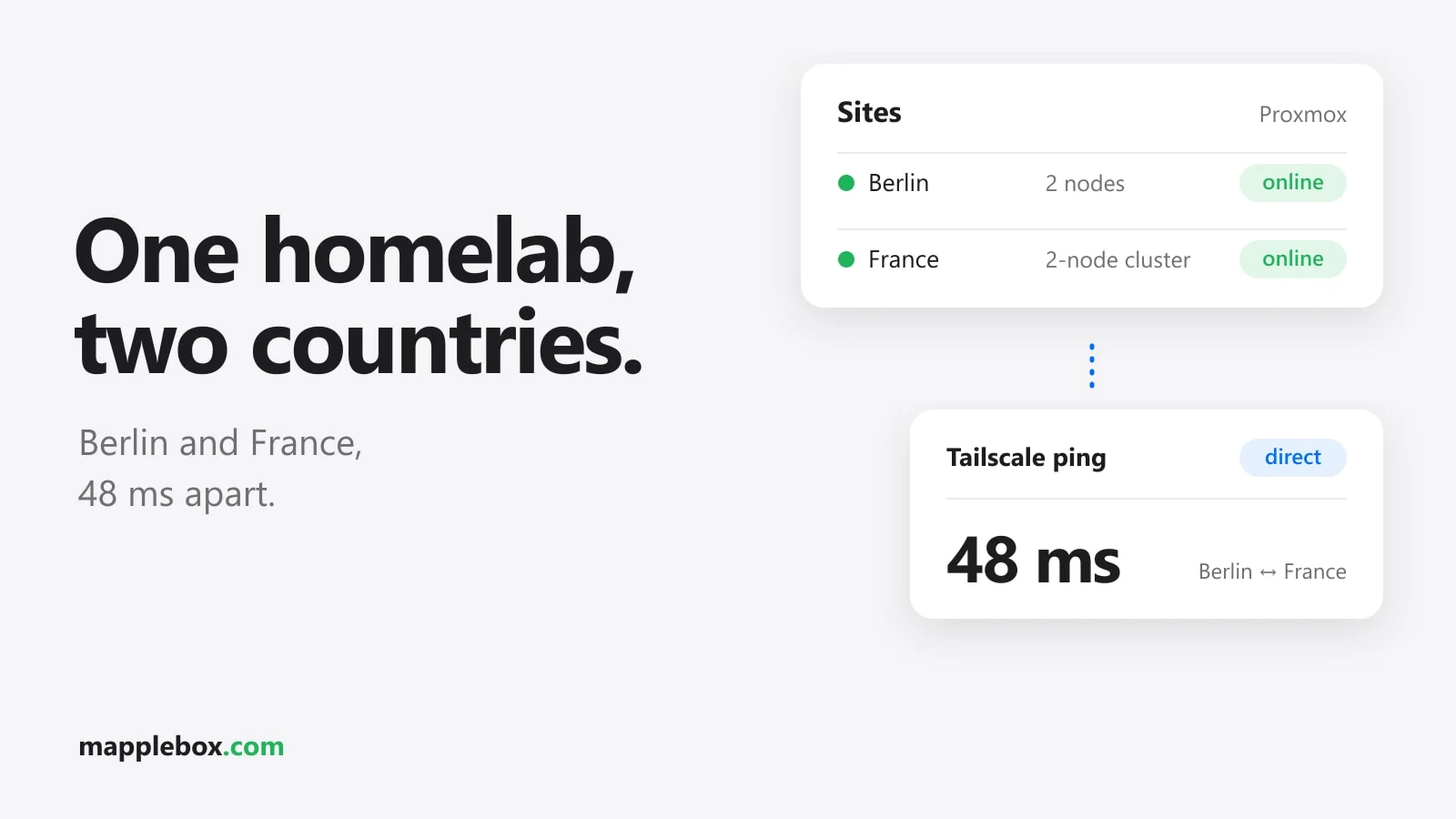
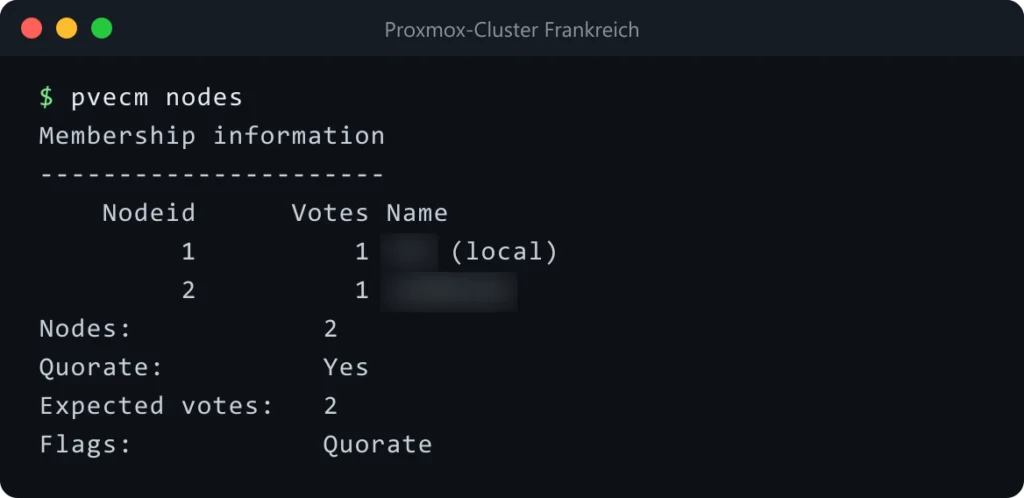
The two Berlin hosts run standalone, and the two nodes in France form a Proxmox cluster. For Plex, the France site also has an Intel Arc A310* for hardware transcoding.
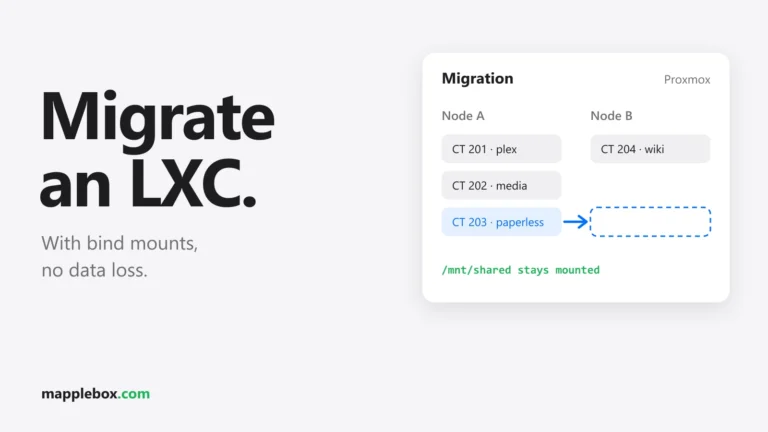
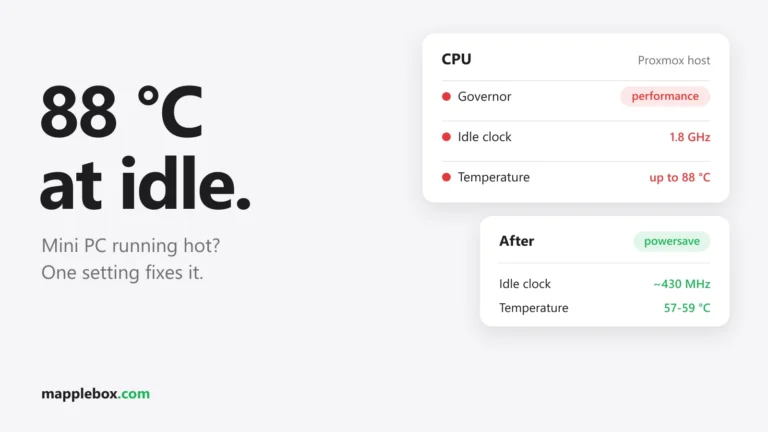
Mini PCs are quiet and power-efficient, but they can run warm. How I cooled one down with the CPU governor is in Mini PC with Proxmox running too hot. And how I move LXC containers with bind mounts between hosts is in Migrating a Proxmox LXC.
What runs on it
- Plex and the rest of the media setup in France, close to the NAS. There’s a separate guide on transcoding with the Arc A310, and this article on the DTS sound problem with an LG TV.
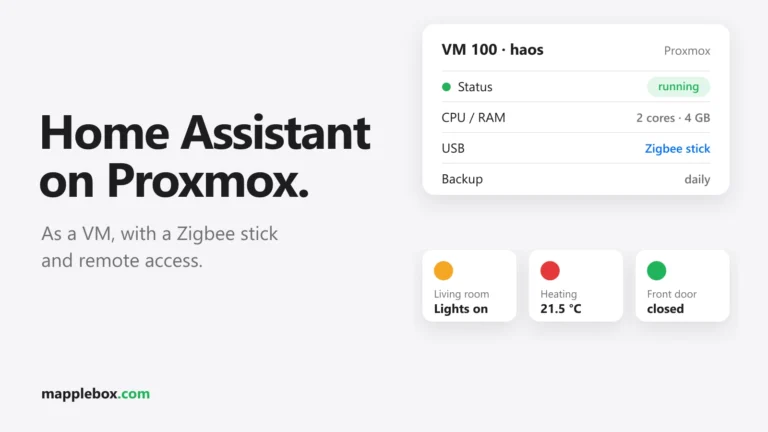
- Home Assistant for the smart home
- Paperless for the family’s documents. How Claude sorts documents there automatically is in Paperless-ngx 3 with AI.
- Vaultwarden as the password manager
- Pelican as the game server panel, with servers for Minecraft and Palworld (guide)
- Monitoring with Uptime Kuma and ntfy, plus WUD for Docker updates. I describe the setup in Uptime Kuma and ntfy.
- Claude with MCP connectors, which let me query Proxmox and other services by chat. How I secured that is in Claude in the homelab.
Reverse proxy and security
Each site runs Caddy in its own LXC as a reverse proxy. Caddy gets its certificates through the DNS-01 challenge, using my domain provider’s DNS API. That way even services that are only reachable internally get a valid certificate. My internal hostnames live under *.int.example.com and can only be reached from the LAN or over Tailscale.
CrowdSec sits in front of the public services. How I connected CrowdSec to Caddy and the nftables bouncer is in CrowdSec with Caddy.
The network between Berlin and France
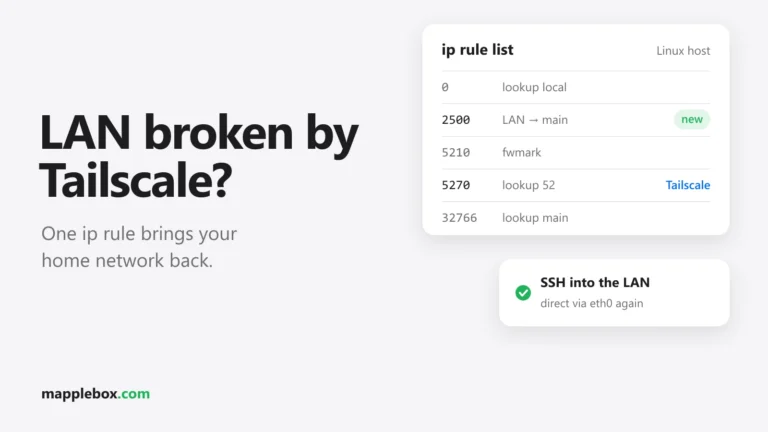
The two sites are connected with Tailscale. Each site runs a subnet router that shares the local network with the tailnet. From Berlin I can reach every device in France and the other way around, without installing Tailscale on every device.
At first, though, the connection went through a Tailscale DERP relay and was slow because of it. In France, the ISP’s router sits in front of the UniFi gateway, which means double NAT. In Berlin I have a static IP, but the router there does hard NAT. With both together, no direct connection came up.
A port forward in France fixed it. UDP port 41641, which Tailscale uses by default, is forwarded on the ISP router to the UniFi gateway, and from there to the Tailscale router. Since then the two sites build a direct connection with about 48 ms of latency.
# shows whether the connection is direct or goes through DERP
tailscale status
tailscale ping <router-at-other-site>
As the target for tailscale ping, use the Tailscale name or the Tailscale IP (100.x.y.z) of the subnet router at the other site. tailscale status shows you both. If tailscale ping says “via DERP”, the connection still runs through the relay. With a direct connection you see the public IP and port of the other side there.

Backups
Every week, vzdump backs up all VMs and containers to the NAS. On top of that I export the documents from Paperless separately, so in an emergency I can get to the files even without a running Paperless.
Outside the homelab
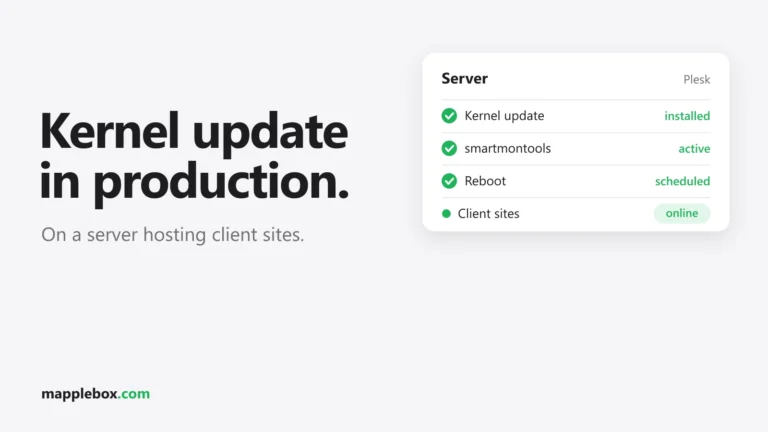
I host websites on a Plesk server at a hosting provider. How I updated the kernel there after more than a year of uptime without putting the sites at risk is in Kernel update on a live web server.
All logbook articles
- Monitoring with Uptime Kuma and ntfy
- Plex hardware transcoding with the Intel Arc A310 on Proxmox
- Plex on an LG TV: no sound with DTS
- Paperless-ngx 3 with Claude: sort documents automatically
- CrowdSec with Caddy and the nftables bouncer
- Claude in the homelab: set up MCP connectors securely
- Migrating a Proxmox LXC with bind mounts
- Mini PC with Proxmox too hot: CPU governor on powersave
- Kernel update on a live Plesk web server
Do you run a homelab across several sites too? Tell me in the comments how you connected them.
* Affiliate link: As an Amazon Associate I earn from qualifying purchases. It costs you nothing extra. More info
Did this guide help you? You can buy me a coffee on Ko-fi. It keeps MappleBox ad-free.