UniFi Network 11: What’s New for Your Homelab
Ubiquiti announced UniFi Network 11 on October 12, 2026. The update gives you more insight into your traffic, new options for gateways and, for the first time, support for Matter and Thread right in the UniFi interface. Here’s an overview of what’s new and which features are worth it for your homelab. Everything here comes from Ubiquiti’s official announcement. The numbers are Ubiquiti’s own, some details such as the supported models haven’t been published yet, and things may still change during the rollout.
UniFi Network 11 at a glance
| Monitoring | New telemetry engine that Ubiquiti says scales over 30% better, live traffic flows per device, Time Machine Topology |
| Gateways | More VLANs, network lists with external URLs, simpler routing policies, WiFi WAN (supported models only) |
| Security | Daily threat signatures from Proofpoint with Cybersecure Enhanced, AI explanations of detected threats |
| SD-WAN | Custom failover policies, application-based routing, the same policies across multiple sites |
| Smart home | Add Matter devices by pairing code, IP and Thread devices together in the topology |
| Other | Custom icons for unknown devices, via phone camera or upload |
Better visibility: Live Traffic Flows and Time Machine Topology
With Live Traffic Flows you can see in real time where every device behind your UniFi gateway is connecting to. That helps, for example, when a smart TV or an IoT plug is phoning home suspiciously often. Time Machine Topology shows you what your network looked like at an earlier point in time. If something stops working after a change, you can compare which device was connected where.
Gateways: WiFi WAN, Network Lists and more VLANs
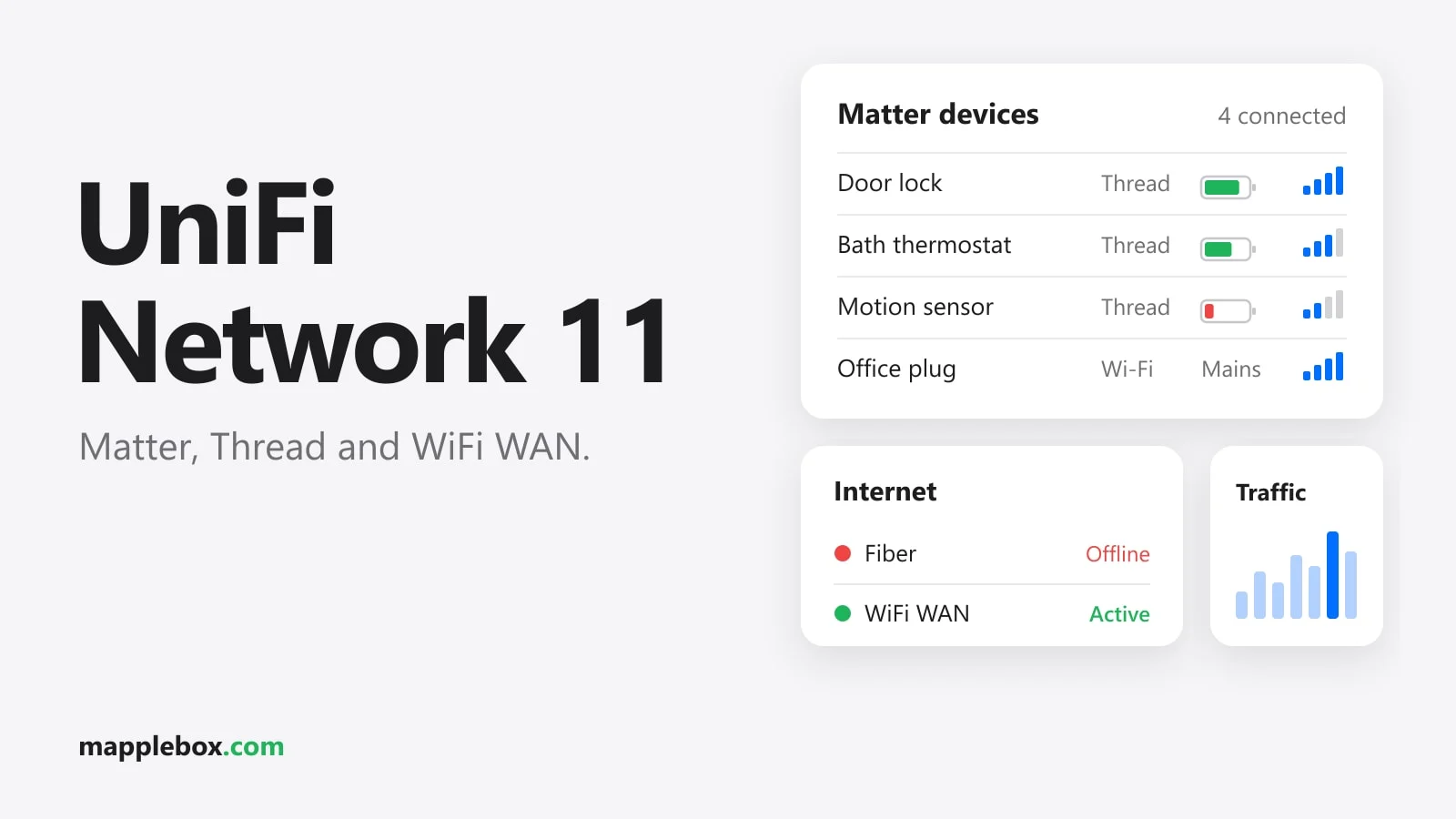
- WiFi WAN: Your gateway can use any Wi-Fi network as a primary or backup internet connection, even your phone’s hotspot. If your fiber or cable connection goes down, your homelab stays reachable. According to Ubiquiti this works on supported gateway models, but there’s no exact list yet.
- Network Lists with external URLs: You can load lists of IPs or domains from an external source and use them in firewall rules or for VPN resources. Routing policies also work with these dynamically updated lists.
- More VLANs: If you split your network more finely, say into servers, IoT, guests and cameras, you now have more room. A VLAN is a virtual network that keeps groups of devices apart on the same hardware.
Network lists don’t replace protection right at the service. If you expose services to the internet, a bouncer at the reverse proxy is worth adding too, like in my guide on CrowdSec with Caddy and nftables.
Multiple sites: SD-WAN policies
If you run more than one UniFi site, Network 11 lets you set your own failover policies, route traffic by application and apply the same rules to all sites. That’s especially interesting if your homelab is spread across two locations like mine and you don’t want to maintain every rule twice.
Matter and Thread right in UniFi
The biggest change for your smart home is that UniFi is now Matter-aware. Matter is a shared smart home standard, and Thread is a low-power wireless network many Matter devices use. You add Matter devices with their pairing code, and this works alongside your existing Matter controllers like Apple Home or Home Assistant. UniFi then shows you the battery level, firmware and signal strength of each device and how it’s connected to the Matter network.
On top of that there’s a shared topology for IP and Thread devices. Until now, troubleshooting wireless problems with Thread meant groping around in the dark. Now you see in the same view which device is connected through which path, and you can set up alerts for important devices, like your door lock.
Security: Proofpoint signatures and AI explanations
With the paid Cybersecure Enhanced add-on, your gateway gets new threat signatures from Proofpoint every day. When UniFi detects a threat, an AI explains how big the risk is, what’s affected and what you should do. If you’ve had IDS/IPS (intrusion detection and prevention) turned on but never understood the alerts, this is a real improvement.
How to prepare for the update
- Make a manual backup in your UniFi console’s backup settings and download it.
- Check in the update settings whether Network 11 is already offered for your console. For a release this big, it’s better to turn off automatic updates for a while and install it yourself at a quiet time.
- Keep an eye on your monitoring. With Uptime Kuma and ntfy you’ll know right away if a service stops responding after the update.
What hardware you need
Network 11 runs on UniFi consoles and gateways. In my setup those are a UniFi Dream Machine Special Edition (UDM-SE)* and a UniFi Cloud Gateway Fiber*. If you’re just getting started, the Cloud Gateway Fiber is a good first device, because the controller, router and firewall all fit in one compact box. As of mid-October 2026, Ubiquiti hasn’t published details on which gateways support WiFi WAN.
Wrapping up
UniFi Network 11 is a big update with lots of small everyday improvements. For your homelab, Live Traffic Flows, WiFi WAN as a backup and the Matter and Thread topology are the most interesting features. If you run multiple sites, the SD-WAN policies also save you a lot of duplicate work.
Source: Introducing UniFi Network 11 on the official UniFi blog, October 12, 2026.
Which feature will you try first? Let me know in the comments.
* Affiliate link: As an Amazon Associate I earn from qualifying purchases. It costs you nothing extra. More info
Did this guide help you? You can buy me a coffee on Ko-fi. It keeps MappleBox ad-free.