Apple HomeView: What It Does and Why It Skips the EU
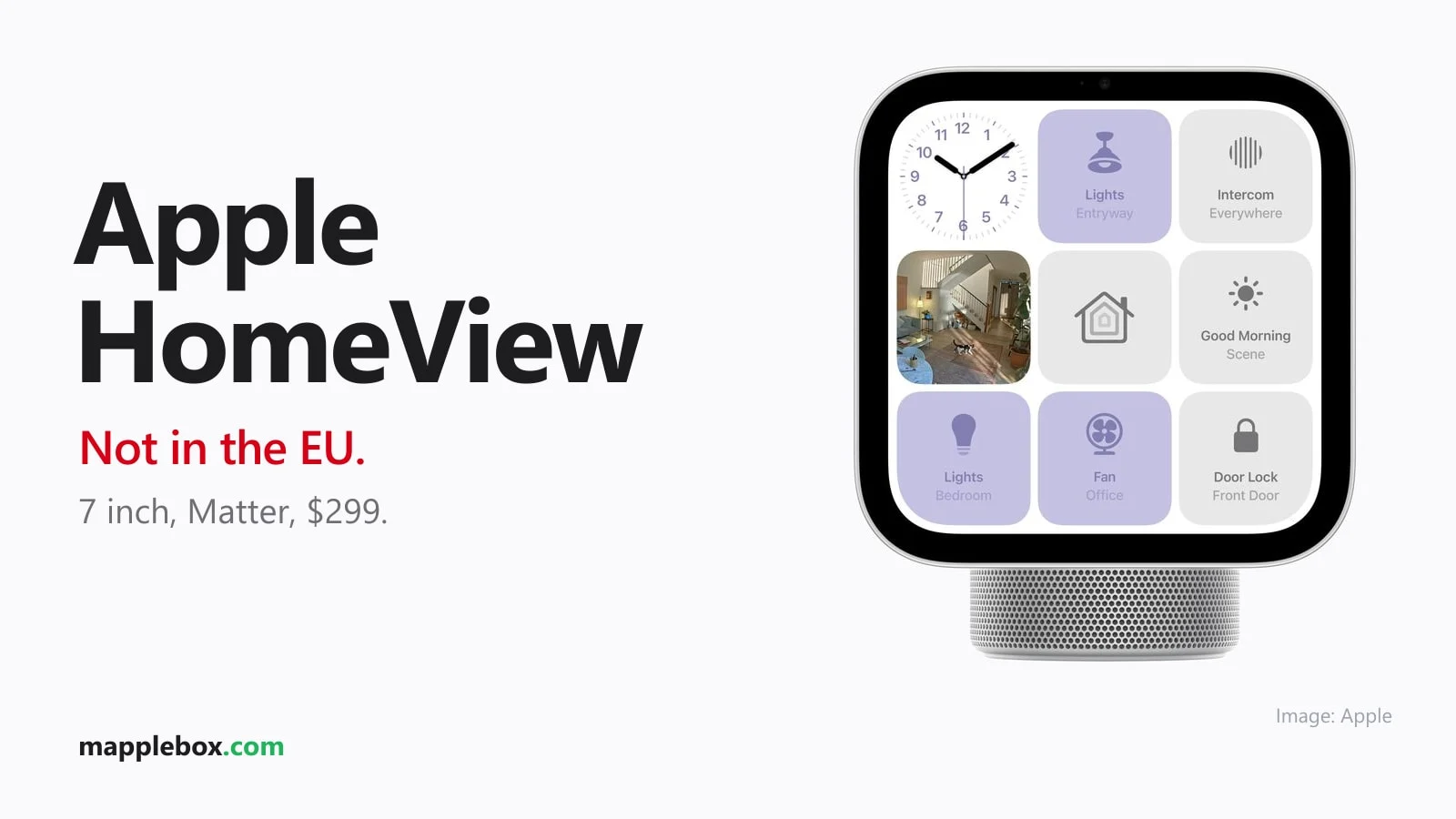
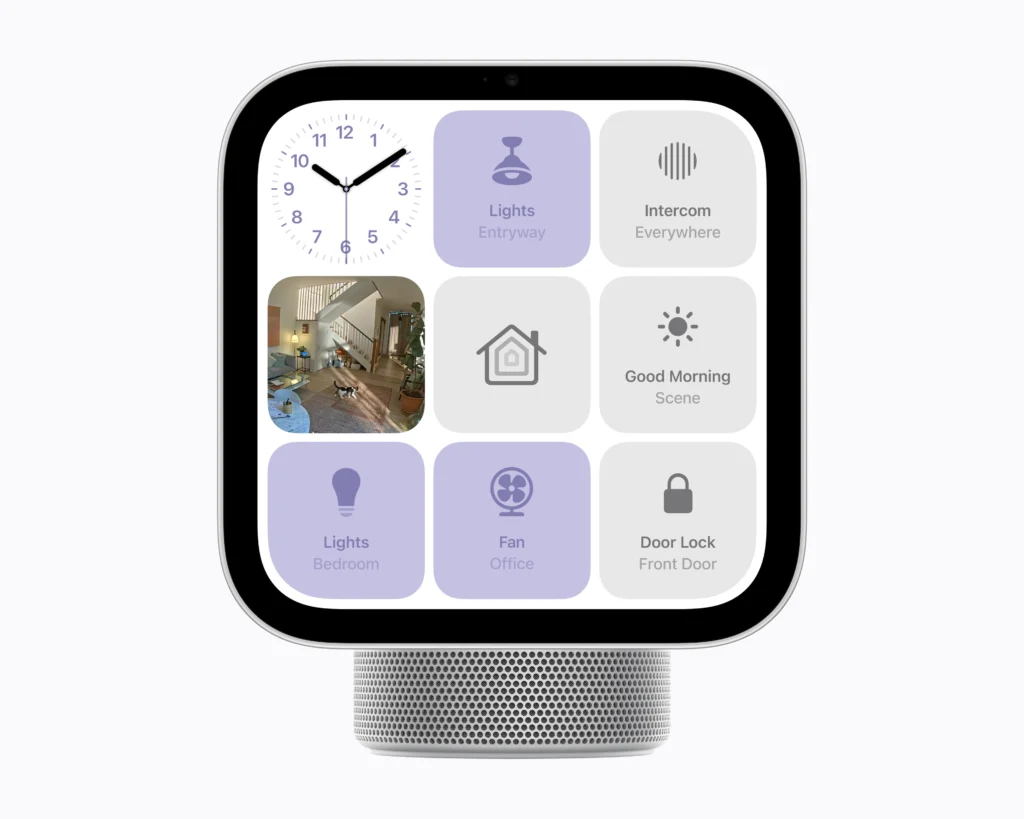
On October 13, 2026, Apple announced HomeView: a 7-inch display on a speaker base that combines music, video calls, camera feeds and smart home controls in one device. If you live in the US, the UK, Canada or Australia, you can buy it soon. If you live in the European Union, you can’t, at least for now. Here is what the device does, why Apple is holding it back from the EU, and what you can use today instead.
Apple HomeView at a glance
| Display | 7 inches, Liquid Retina, 0.3 to 500 nits, True Tone, tiltable |
| Chip | A18 with Secure Exclaves for camera and microphone |
| Camera | Camera with Center Stage for FaceTime |
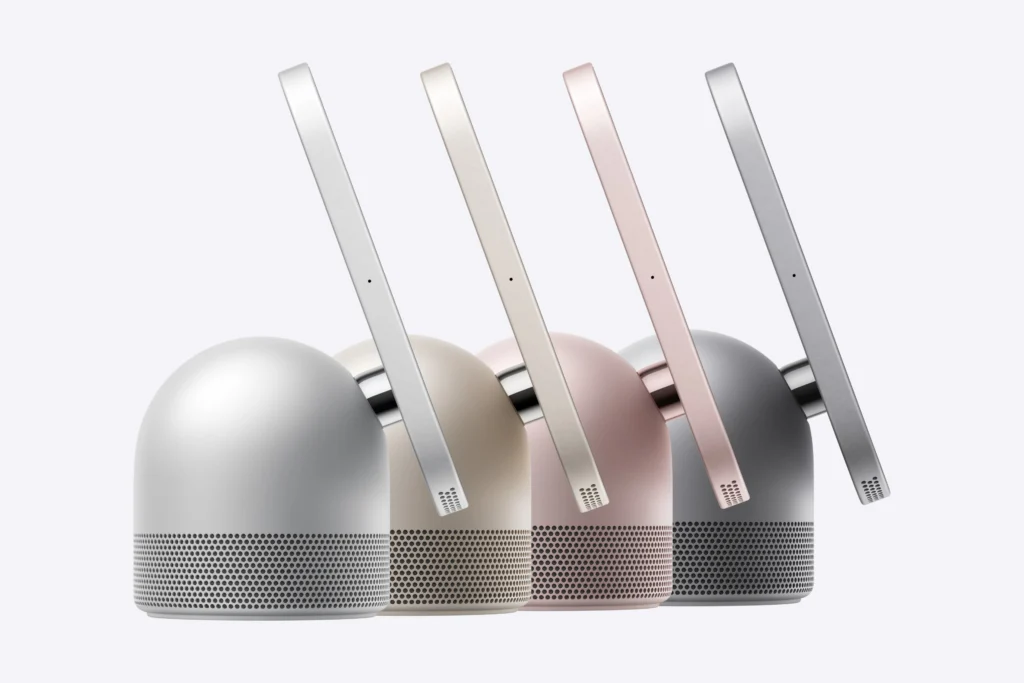
| Versions | Tabletop version with speaker base, wall version with Schneider mount |
| Smart home | “Works with Apple Home” and Matter, up to nine camera feeds at once |
| Price | $299, wall mounts from $59.95 |
| Release date | November 13, 2026, in countries including the US, UK, Canada and Australia |
| EU | Not available for now |
What HomeView can do
- Control your smart home: lights, thermostats, locks, blinds and cameras, either as HomeKit devices or through Matter (the cross-brand smart home standard). HomeView also works as a home hub.
- Keep an eye on cameras: up to nine live feeds at once. With iCloud+, HomeKit Secure Video recognizes people, pets, packages and cars.
- Multiple users: the device recognizes up to six people by their face and shows each of them their own home screen.
- Media and calls: Apple Music, Podcasts, Apple TV, FaceTime with Center Stage, Intercom to HomePods and multiroom audio.
- Safety: it recognizes the sound of smoke and CO alarms and sends you a notification on your iPhone or Apple Watch.
Why HomeView is not coming to the EU
Apple says the reason is that the new Siri AI in iOS is currently not available in the EU. HomeView is built heavily around this new Siri, so Apple is not selling the device there at all for now. There is no EU release date yet. You could import one from the US or the UK, but you would then be running a device whose core feature is not officially supported where you live.
Ideas: how HomeView could work with Home Assistant
Apple doesn’t mention Home Assistant at all. But HomeView speaks Apple Home and Matter, and those are exactly the two ways you can already connect Home Assistant today. These options are realistic:
- HomeKit Bridge: Home Assistant passes selected devices on to Apple Home as HomeKit accessories. That way, Zigbee lights, sensors or thermostats that Apple doesn’t know about also show up on the HomeView display, and you can control them by touch or with Siri.
- Matter bridge: instead of HomeKit, you can also share Home Assistant devices as Matter devices, for example with Matterbridge. Matter works across brands, so you are not locked in to Apple.
- Cameras on the display: HomeView shows up to nine camera feeds. Cameras that only run in Home Assistant or Frigate can get into Apple Home through the HomeKit Bridge or Scrypted, and from there onto HomeView.
- Scenes instead of single devices: create scripts in Home Assistant like “Movie night” or “All off” and pass them to Apple Home as switches. On HomeView that becomes a single tap or a Siri command, while the logic stays in Home Assistant.
- The other direction is unclear: nobody knows yet whether Home Assistant will get any information back from HomeView, such as who was just recognized or whether someone is in the room. According to Apple, camera and microphone data stays inside the device’s Secure Exclaves, so don’t count on it.
My tip: if you already use Home Assistant, set up the HomeKit Bridge now. Then your setup is ready whether HomeView eventually comes to the EU or you hang an iPad on the wall as a dashboard.
What you can use instead
- You already use Apple Home: an Apple TV or HomePod still works as your home hub. That’s enough for Matter devices, and you don’t need a display for it.
- You want a display on the wall: a cheap tablet running a Home Assistant dashboard in kiosk mode (a locked full-screen view) covers camera feeds, lights and heating, with no cloud requirement.
- You rely on Home Assistant: the HomeKit Bridge brings your Home Assistant devices into Apple Home. If HomeView does come to the EU later, you will see them there too.
Also new: HomePod mini 2 and Apple TV 4K (4th generation)
Alongside HomeView, Apple refreshed two more home devices. Both work as a home hub for HomeKit and Matter, so you don’t need HomeView to control your smart home with Apple.
- HomePod mini 2: five colors (Green, Pink, Blue, Midnight, White), a built-in temperature and humidity sensor, smoke and CO alarm sound recognition, and a new light feature called Sound Glow. Available to preorder, on sale from October 30.
- Apple TV 4K (4th generation): new A19 chip, according to Apple up to 50 percent faster CPU and twice as fast graphics, three far-field microphones for Siri, Dolby Vision, HDR10+ and Dolby Atmos. On sale from November 13. New: surround sound with four HomePods (HomePod mini 2 or HomePod 2nd generation as matching pairs) on the Apple TV 4K.
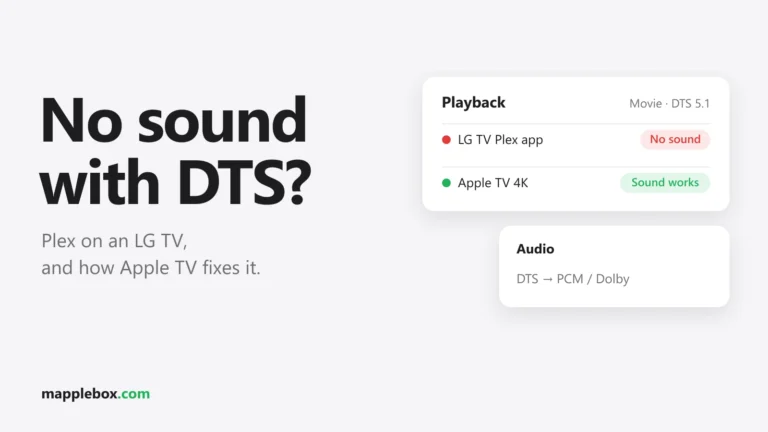
Apple’s product pages don’t list an EU release date for either device. Siri AI is set to arrive on HomePod mini 2 only with a later update and is not available in the EU for now. My tip: if you are fighting with Plex and DTS audio tracks, an Apple TV is the easiest fix. I show how in Plex on an LG TV: no sound with DTS.
Wrapping up
HomeView is Apple’s answer to smart displays from Google and Amazon, with Matter, a strong focus on privacy and tight integration with Apple Home. In the US, the UK, Canada and Australia you can order it for November. In the EU it stays a future product as long as Siri AI is missing there. If you want to control your smart home from one place today, an Apple TV as a hub or a Home Assistant dashboard gets you most of the way.
Sources: Apple Newsroom on HomeView, on HomePod mini and on Apple TV 4K, all from October 13, 2026.
Would you buy HomeView if you can get it where you live? Tell me in the comments.
Did this guide help you? You can buy me a coffee on Ko-fi. It keeps MappleBox ad-free.