Mini PC for Homelab: Which Minisforum Fits Your Setup
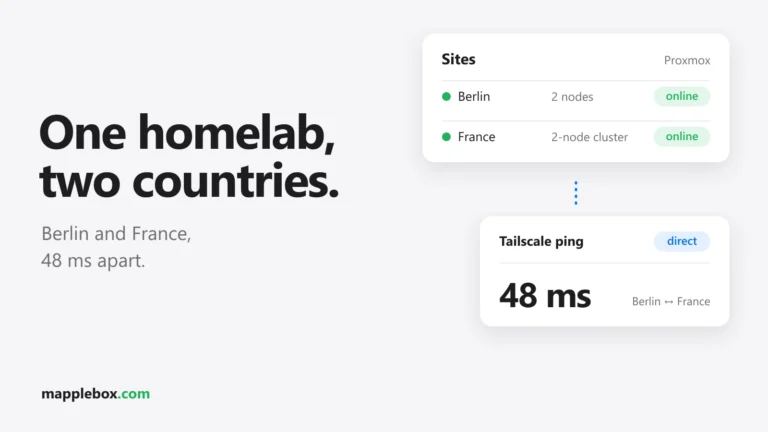
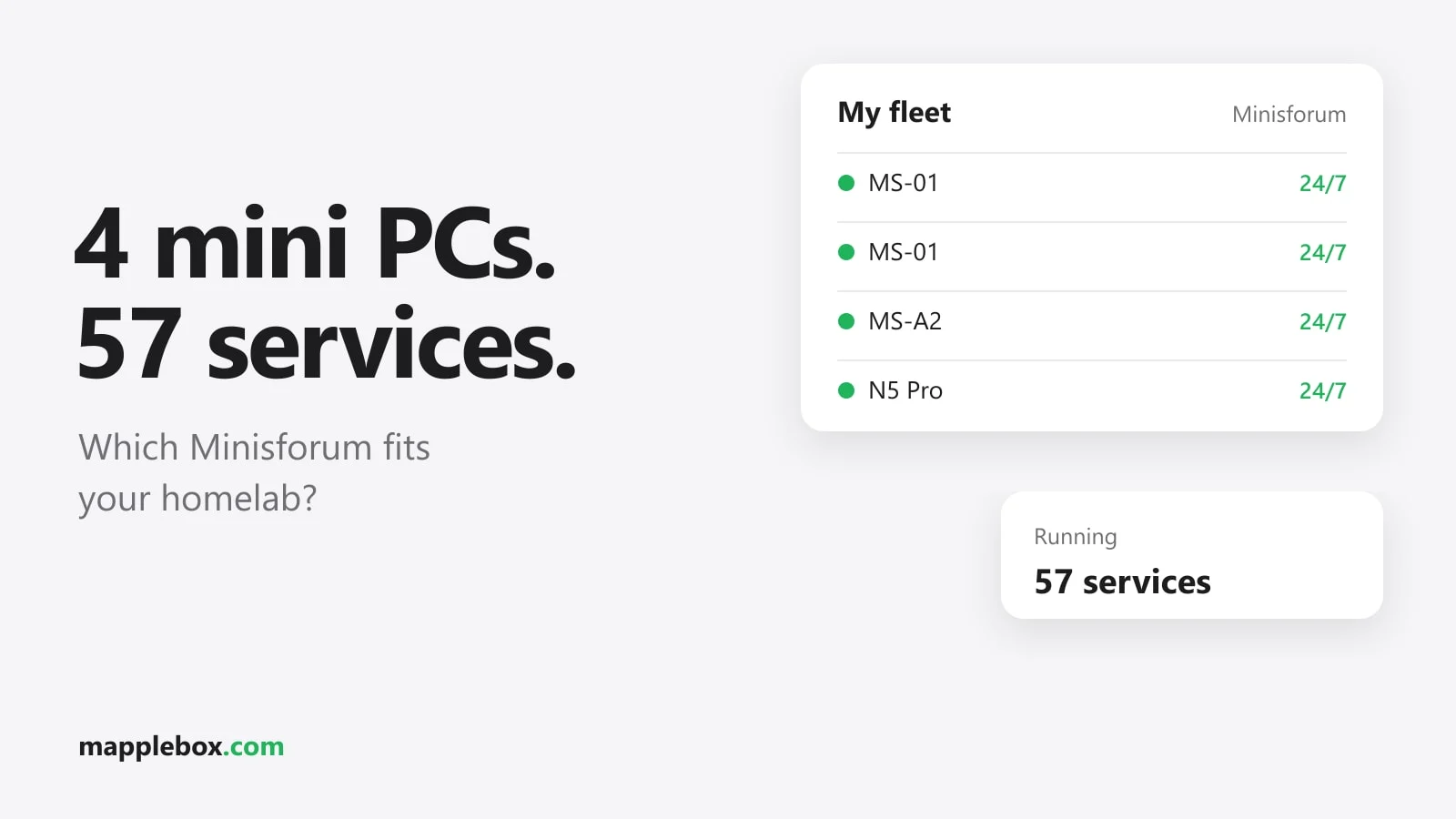
Looking for a mini PC for your homelab and not sure which model fits your services? In this guide you’ll learn what to look for in RAM, networking, PCIe slot and cooling, and which Minisforum mini PC suits which job. By the end you’ll know whether an entry-level device is enough or whether you should go one size up right away. The examples are four mini PCs that run Proxmox around the clock at my places in Berlin and France. Together they currently carry 57 containers and VMs, from Plex and Paperless to Home Assistant, game servers, monitoring and a password manager. I measured every number on these servers myself.
Quick summary: which mini PC is right for you?
| Device | Tested with | Good for |
|---|---|---|
| Minisforum MS-01* with i5-12600H | 32 GB RAM, 10 guests | A solid start: Paperless, Home Assistant, a few Docker services |
| Minisforum MS-01 with i9-13900H | 96 GB RAM, 17 guests | Many services in parallel, game servers, several VMs |
| Minisforum MS-A2* with Ryzen 9 9955HX | 128 GB RAM, 23 guests, Arc A310 | The workhorse: Plex with transcoding, big Docker stacks, lots of RAM |
| Minisforum N5 Pro* with Ryzen AI 9 HX PRO 370 | 32 GB RAM, TrueNAS + 6 containers | NAS and homelab in one box |
Why you should use a mini PC for your homelab
Your homelab runs 24/7. An old tower or a used rack server is cheap at first, but it eats power all the time, it’s loud and it takes up space. A mini PC sits unnoticed on a shelf, is almost silent and these days has enough power for dozens of services. When choosing one, look for three things that many mini PCs lack but the Minisforum models have: fast network ports (some with 10 GbE, ten times faster than standard gigabit), a PCIe slot for expansion cards and room for lots of RAM.
MS-01 with i5-12600H: if you want a solid start
If you’re planning a few typical beginner services and one or two VMs, the MS-01 with an i5 is enough. My node in France shows how much it can handle: it runs Paperless-ngx with its AI add-on, Nginx Proxy Manager, a DNS server, Home Assistant as a VM, a TrueNAS VM and a Docker VM. With 32 GB of RAM (2× 16 GB DDR5) it copes well. Day to day, the load sits around 0.1 and the CPU temperature at about 59 °C (138 °F).
My tip: make use of the network ports. The MS-01 has two SFP+ ports for 10 GbE, but my node is only connected with a 1 GbE cable. For Paperless and Home Assistant that’s plenty. Once you start pulling large files from a NAS, an SFP+ DAC cable* to your switch pays off.
MS-01 with i9-13900H: if you need a lot of power
If you want to run many services in parallel, such as game servers and several VMs, go for the i9 version with plenty of RAM. My example is my node in Berlin with an i9-13900H and 96 GB of RAM (2× 48 GB). It carries 15 containers and two VMs: the game servers through the Pelican panel, Home Assistant, Caddy as a reverse proxy, a TrueNAS VM and various smaller services. It’s connected with 10 GbE over SFP+.
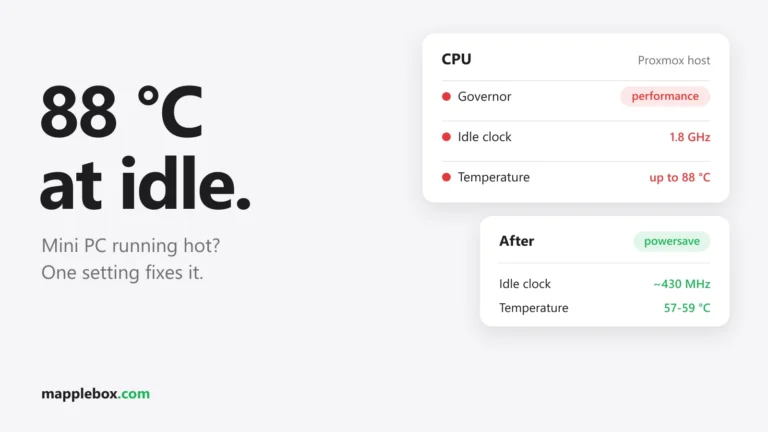
Watch the heat. My i9 once showed 88 °C (190 °F) at practically zero load. The cause was the CPU governor (the setting that controls how the CPU scales its speed), which was set to performance. After switching to powersave, the package temperature sits around 55 °C (131 °F) day to day, and the power is still there when it’s needed. How to change this is covered in Mini PC with Proxmox running too hot. If you buy an MS-01 with an i9, do this right after installing.
MS-A2 with Ryzen 9 9955HX: if you’re planning Plex and big stacks
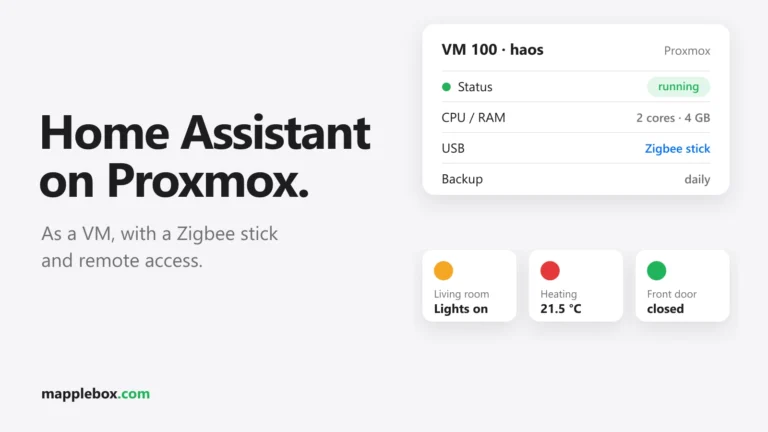
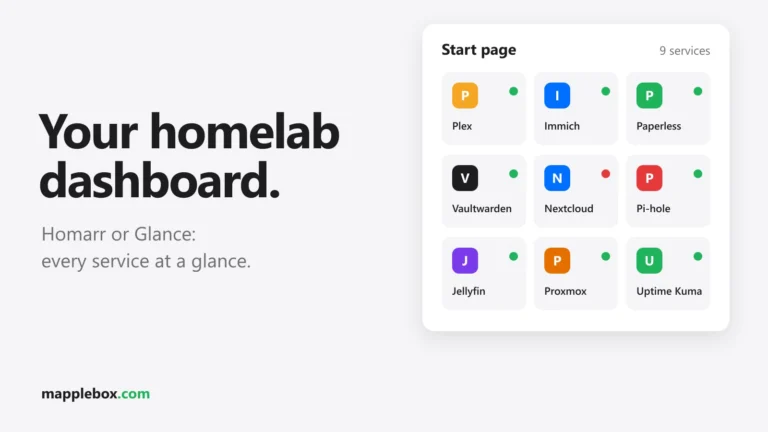
If you need lots of RAM, transcoding (converting video on the fly for each device) and headroom for a big Docker stack, the MS-A2 is the right choice. Mine is the most powerful machine in my setup: a Ryzen 9 9955HX with 16 cores and 32 threads, plus 128 GB of RAM (2× 64 GB DDR5-5600). It runs 20 containers and three VMs, including Plex, Vaultwarden, Pi-hole, Paperless, RomM and a big Docker stack. Even with all that, the load sits around 0.5.
There are two things you should use on the MS-A2. First, the PCIe slot: you can fit something like an Intel Arc A310* there for hardware transcoding in Plex, as I did. Second, 10 GbE to the NAS: after moving Plex to the MS-A2, my read throughput from the NAS went from about 9.5 MB/s to about 414 MB/s. How to move containers for this is covered in Migrate a Proxmox LXC with bind mounts.
N5 Pro: if you want NAS and homelab in one
The N5 Pro is really a NAS with drive bays, but you can still run Proxmox on it. My Berlin NAS node is an N5 Pro with a Ryzen AI 9 HX PRO 370 and 32 GB of RAM. TrueNAS runs on it as a VM, and here’s the trick: pass the entire SATA controller through to the VM with PCIe passthrough. TrueNAS then sees the drives directly, including their SMART health data, as if it were running on real hardware.
Next to it I run six small containers: monitoring with Uptime Kuma and ntfy, a few MCP servers for Claude and a game server node. If you don’t want to split NAS and homelab across two devices, this is a good solution. More on monitoring in Uptime Kuma and ntfy.
What to look for when buying
- Plan for enough RAM. RAM is almost always the first limit. The CPU is bored on all four of my devices, while memory fills up fast, especially with VMs. Go for large DDR5 SO-DIMMs* right away instead of swapping them later.
- Match the network to your NAS. If your media lives on a NAS, 10 GbE makes the biggest noticeable difference. Without a fast NAS, 2.5 GbE is enough.
- Look for a PCIe slot. It lets you add a small GPU like the Arc A310 or an extra network card.
- Keep an eye on heat. Mobile CPUs boost aggressively. Set the governor and monitor the temperature.
- Intel or AMD? Both run Proxmox without problems for me. For Plex transcoding, an Intel GPU (integrated or Arc) is the easiest.
Common buying mistakes and how to avoid them
Buy more RAM from the start and connect every node with 10 GbE right away instead of upgrading later. That’s exactly what I had to catch up on. And set the governor on all nodes right after installation, instead of waiting until a monitoring app reports 88 °C (190 °F).
Wrapping up
To get started, an MS-01 with an i5 is easily enough. If you’re planning Plex with transcoding and lots of services, the MS-A2 with an Arc A310 serves you best. And if you want to combine NAS and homelab, take a look at the N5 Pro. I show how the four devices work together across my two sites in My homelab across two sites.
Which mini PC do you use for your homelab? Tell me in the comments.
* Affiliate link: As an Amazon Associate I earn from qualifying purchases. It costs you nothing extra. More info
Did this guide help you? You can buy me a coffee on Ko-fi. It keeps MappleBox ad-free.